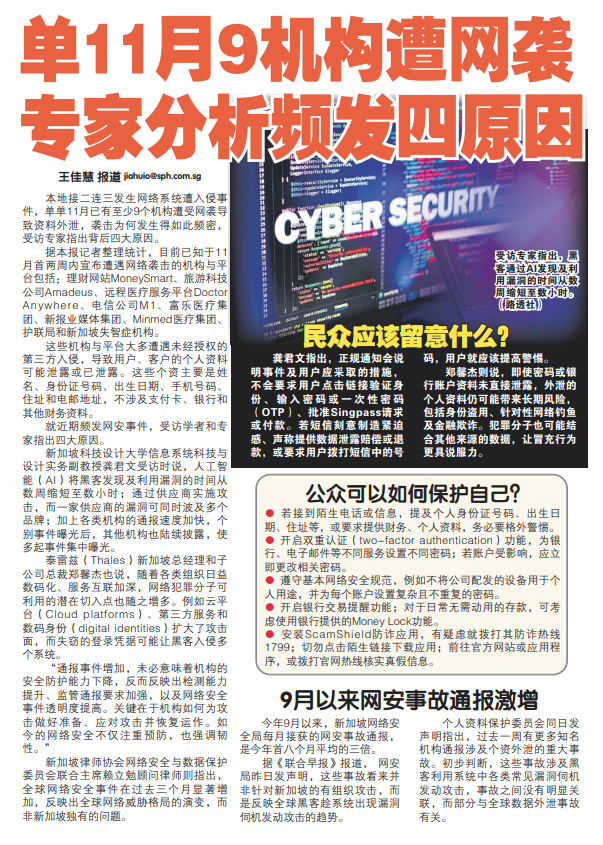
Nine organisations hit by cyberattacks in November alone; experts identify four reasons behind frequent incidents
Nine organisations hit by cyberattacks in November alone; experts identify four reasons behind frequent incidents
Shin Min Daily News, 单11月9机构遭网袭 专家分析频发四原因
(Summarised translation)
Singapore has recently experienced a series of network intrusions. In November alone, at least nine organisations have suffered cyberattacks resulting in data leaks. Why has this phenomenon become increasingly common? Experts interviewed identified four main reasons.
Victor Keong, Associate Professor of Practice in Information Systems Technology and Design at the Singapore University of Technology and Design (SUTD), said in an interview that artificial intelligence (AI) has shortened the time hackers take to discover and exploit vulnerabilities from weeks to just hours. Hackers can also attack multiple brands by targeting a single supplier through supply chain attacks. Coupled with the faster reporting of incidents by organisations, individual incidents appear to occur in clusters. Other organisations have also stepped up their monitoring, resulting in more incidents being uncovered in close succession.
What should members of the public look out for?
Associate Prof Keong pointed out that official notifications would explain the nature of the incident and the measures users should take. They would not ask users to click on links to verify their identities, enter passwords or one-time passwords (OTPs), provide their Singpass credentials or make payments.
Users should be highly vigilant if they receive messages or calls that create a sense of urgency or fear, claim to be able to recover leaked data, or ask them to provide verification codes received via SMS.
How can members of the public protect themselves?
- Be extra vigilant when receiving unfamiliar calls or messages asking for personal information, such as NRIC numbers, dates of birth and residential addresses, or requesting bank transfers.
- Enable two-factor authentication (2FA) and set different passwords for different services, such as banking and email accounts. If an account has been affected, change its password immediately.
- Follow basic cybersecurity practices. If you are unsure why an application is requesting certain device permissions, uninstall it or reset unnecessary permissions.
- Enable bank transaction notification features. For savings that are not required for daily expenses, consider using banks’ Money Lock feature.
- Install the ScamShield anti-scam application. If in doubt, call the anti-scam helpline at 1799. Do not click on unfamiliar links to download applications. Instead, visit official websites or app stores, or call official hotlines to verify the authenticity of the information.